Design Mobile Apps Skill: Sleek Screens, Then React Native or HTML
Design Mobile Apps skill drives the Sleek REST API to design app screens and build them in Expo or HTML.
Needs a Sleek account and SLEEK_API_KEY.
Sign in with Google to download your first skill free; after that, from $7.
Unzip into .agents/skills/ in your project. The ZIP has SKILL.md, with its references and scripts, checked against the upstream source. Changes we made are listed further down this page.
mobile
sleek
react native
expo
app design
Quick Start
1 Unzip the download into .agents/skills/ so the design-mobile-apps folder sits inside it.
2 Set the SLEEK_API_KEY environment variable. If it is missing, the skill starts Sleek's device flow so you approve in the browser, or you can create a key at sleek.design/agents/setup.
3 Ask for an app design. The agent creates a project, sends one chat message with your intent, polls the run and shows screenshots of each screen.
4 Ask for the screens as code and it fetches each component's HTML and builds it, following implementing.md.
Example Command
Design a fitness tracking app with a home dashboard, workout log and profile, then build it in Expo.
Core Capabilities
Design from a brief
Creates a Sleek project and sends your full intent as one chat message so Sleek plans the screens itself.
Style direction or reference
Authors a style direction paragraph from your references and vibe words, or seeds the project with a Sleek reference via referenceId.
Screenshots to review
Takes a user shot of every created or updated screen, and full-height review shots for judging the result.
HTML component code
Fetches each screen's HTML, choosing the active version or a pinned version if you supply one.
React Native (Expo) conversion
Covers flex direction, text, safe-area insets, shadows, gradients, navigation tree inference and keyboard handling.
Styling references
Separate guides for Nativewind, Uniwind and plain StyleSheet, chosen by what the repo already uses.
Usage Examples
Input
Design a meditation app with onboarding, a session list and a player.
Output
The agent creates a Sleek project, sends the brief as a single message with a style direction, polls the run until it completes, then screenshots each new screen and the whole project.
Input
Make the home screen warmer and add a streak card.
Output
The agent targets that screen with target.screenId in a new chat message, waits for the run to finish and shows a screenshot of the updated screen.
Input
Build these screens in my Expo app.
Output
The agent fetches each component's HTML, reads the theme tokens, infers the route tree, and ports the screens with the styling system the repo already uses, checking against review shots.
About This Skill
Design Mobile Apps lets an agent use Sleek to create projects, design mobile app screens from a brief, and fetch each screen's HTML and screenshots. It then explains how to implement those designs in React Native (Expo) or as HTML prototypes. It is for developers and designers who want an agent to go from an app idea to screens and code.
Source and license
Original repo https://github.com/designed-by-ai/skills at commit 03c20ae, license MIT, author/owner designed-by-ai; the LICENSE names Sleek as copyright holder. The download is the author's files unchanged, with their LICENSE.
---
name: design-mobile-apps
description: Design mobile app screens with Sleek, edit Sleek projects, and implement their designs in React Native or HTML.
metadata:
requires-env: SLEEK_API_KEY
---
# Designing with Sleek
[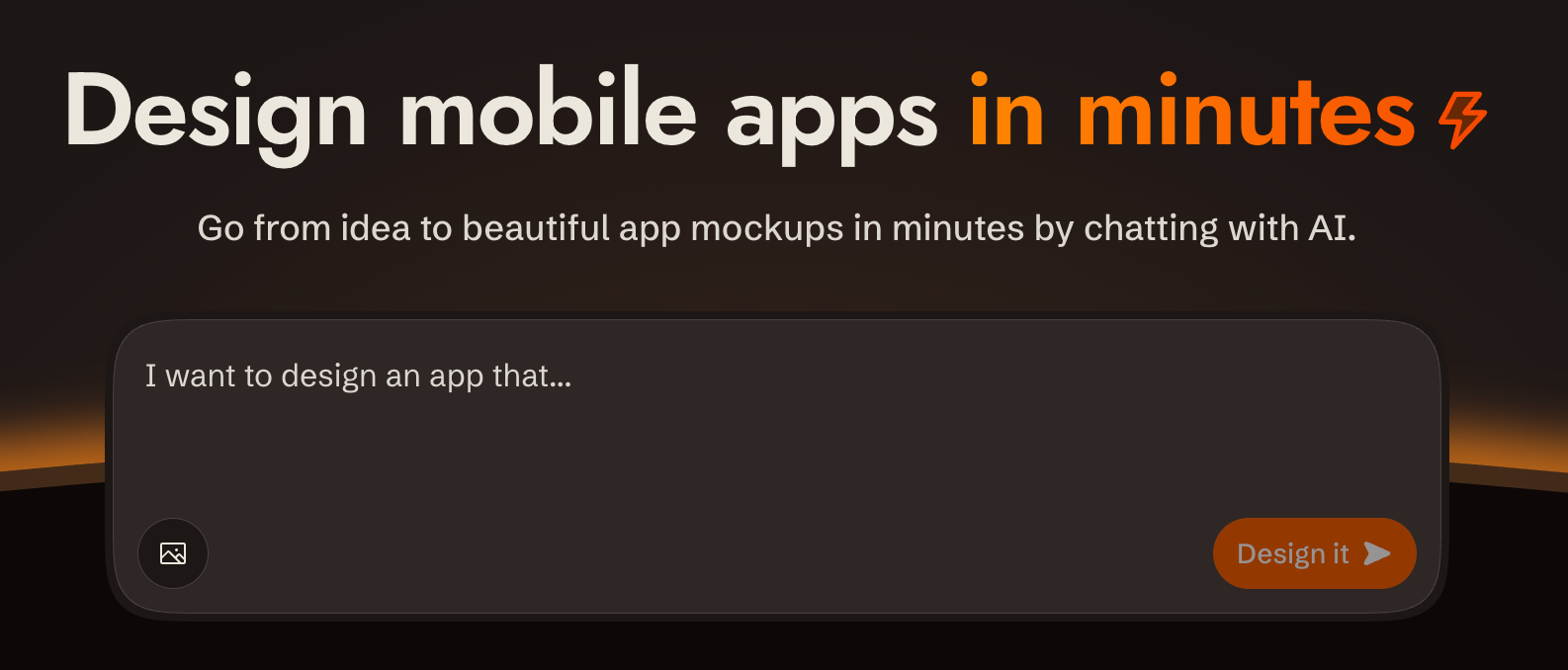](https://sleek.design)
## Overview
[sleek.design](https://sleek.design) provides a REST API at `/api/v1/*` to create projects, design screens from a brief, and fetch their HTML and renders.
**Base URL**: `https://sleek.design`
**Auth**: `Authorization: Bearer $SLEEK_API_KEY`, except the public device start/poll endpoints
**Content-Type**: send `application/json` for JSON request bodies.
**CORS**: Enabled on all `/api/v1/*` endpoints
**Envelope**: check HTTP status first. Successful JSON wraps its payload in `data`; lists also include sibling `pagination`. Errors use top-level `code`, `status` and `message`, with optional `data.url`. Successful screenshots and share cards return image bytes; `204` has no body.
**Ids**: opaque 11-character tokens like `V1StGXR8Z5j`, with no type prefix. Nothing about an id says whether it names a project, screen, component, version or theme, so track each one by the response field it arrived in.
…
The full SKILL.md and 8 more files are in the download.
LICENSE (1.0 KB)
implementing.md (21 KB)
endpoints.md (13 KB)
SOURCE.txt (275 B)
designing.md (7.7 KB)
SKILL.md (8.3 KB)
styling/nativewind.md (4.8 KB)
styling/stylesheet.md (1.6 KB)
styling/uniwind.md (1.5 KB)
Frequently Asked Questions
FAQ
What is the Design Mobile Apps skill?
It is an agent skill for Sleek (sleek.design), an AI mobile app design tool. It covers designing screens through Sleek's REST API and implementing them in React Native (Expo) or as HTML.
What does it need?
A Sleek account and an API key in the SLEEK_API_KEY environment variable. The SKILL.md says free accounts get one-time trial credits (about one design run) and sustained use needs a paid Sleek plan; it points to sleek.design/agents.md for current pricing. The agent also needs to make HTTPS requests, for example with curl.
How do I install it?
Unzip the download into .agents/skills/. See /docs/install-skills for the full steps.
What does it cover?
Creating and listing projects, chat runs with polling and retries, screenshots, component HTML, and conversion guidance for React Native with Nativewind, Uniwind or StyleSheet. It also supports plain HTML prototypes saved straight to .html files.
Does it generate real app features?
The skill states that the HTML is a mockup: structure and styling are the spec, while content is placeholder. It tells the agent to wire real state, navigation and data rather than ship the mockup.
Is it an official Antigravity or Google skill?
No. It is a third-party skill from the designed-by-ai/skills repository for the Sleek product, under the MIT license (copyright Sleek). It is not made by Antigravity or Google.
 Antigravity Skills